Sanyo

Local heating and cooling control

Sanyo compatibility

The Sanyo indoor units and remotes below are listed for local GridPassport control. The Passport sends infrared commands like the handheld remote, then times heating and cooling around solar, electricity prices and the comfort limits you set.

Find my model
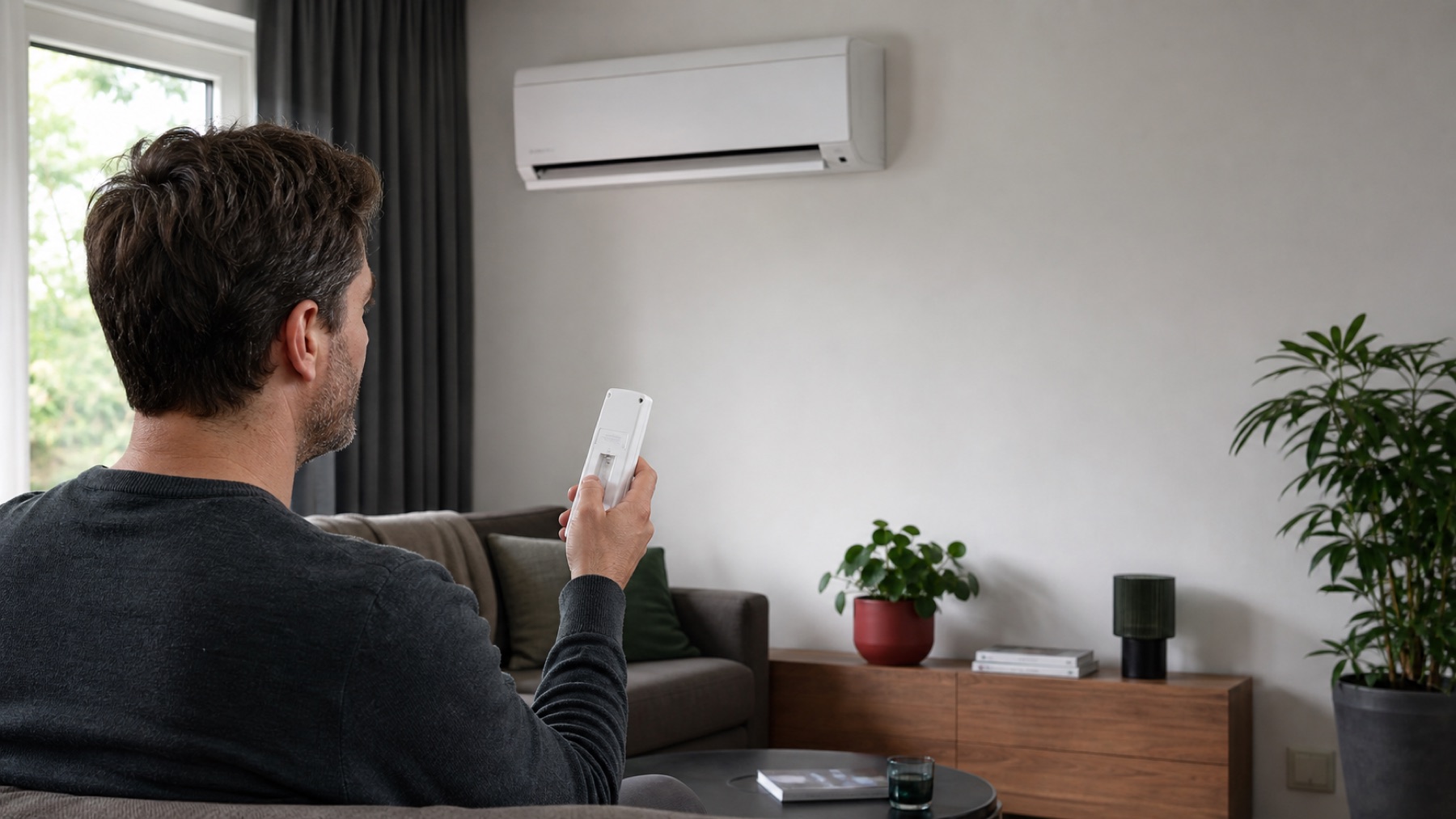
Homeowner checking an unbranded air conditioner remote while looking at the indoor unit
Illustrative GridPassport image. Check the labels on your own indoor unit and remote.

Model lookup

Sanyo indoor units and remotes

Start with the indoor-unit label, then check the remote. These are all Sanyo unit, family and remote identifiers in the current GridPassport product catalog.

SAP K121AHA SAP K242AH family

Unit or family
  • SAP K121AHA SAP K242AH family
Remote
  • RCS 2HS4E RCS 2S4E family
What GridPassport can use

Listed modes: cooling, heating, drying, auto. Temperature range: 16-30 C.

SAP KMRV124EHE

Unit or family
  • SAP KMRV124EHE
Remote
  • RCS 4MHVPIS4EE
What GridPassport can use

Listed modes: cooling, heating, drying, auto. Temperature range: 16-30 C.

AC88 family

Unit or family
  • AC88 family
Remote
  • AC88 88bit family
What GridPassport can use

Listed modes: cooling, heating, fan only, auto. Temperature range: 10-30 C.

RCS-2HS4E remote family

Unit or family
  • RCS-2HS4E remote family
Remote
  • RCS 2HS4E
What GridPassport can use

Listed modes: cooling, heating, drying, auto. Temperature range: 16-30 C.

RCS-2S4E remote family

Unit or family
  • RCS-2S4E remote family
Remote
  • RCS 2S4E
What GridPassport can use

Listed modes: cooling, heating, drying, auto. Temperature range: 16-30 C.

SAP-K121AHA

Unit or family
  • SAP-K121AHA
Remote
  • RCS 2HS4E
What GridPassport can use

Listed modes: cooling, heating, drying, auto. Temperature range: 16-30 C.

SAP-K242AH

Unit or family
  • SAP-K242AH
Remote
  • RCS 2S4E
What GridPassport can use

Listed modes: cooling, heating, drying, auto. Temperature range: 16-30 C.

This page lists the Sanyo unit and remote identifiers currently present in GridPassport. We confirm the exact indoor-unit and remote pair before activation.

Home Power Automation

What GridPassport can manage on a matched Sanyo unit

The exact profile decides which modes and fan settings are available. Across the current Sanyo catalog, named modes include cooling, heating, drying, auto, fan only.

01

Choose heating, cooling or both

You decide which climate modes GridPassport may use as seasons and household needs change.

02

Use more of your solar

Move flexible heating or cooling toward hours when rooftop solar is available.

03

Avoid costly hours

Shift climate work away from expensive electricity periods when the room can stay comfortable.

04

Keep comfort in charge

Temperature limits remain yours while GridPassport coordinates AC with the rest of the home.

Practical setup

What to know before you apply.

Connection at home
Local infrared from The Passport, like the handheld remote
Placement
The Passport needs a clear infrared path to the indoor unit
What to check
The indoor-unit model and the physical remote model
Manufacturer cloud
Not required for this local infrared control path
Modes named in the catalog
cooling, heating, drying, auto, fan only
Current catalog
7 selectable profiles
Catalog reviewed
2026-07-29 from the current GridPassport product catalog

Your hardware

Your Sanyo knows the temperature. GridPassport knows when to act.

Heat or cool when solar and electricity prices are favourable, while staying inside the comfort limits you set.

Check my Sanyo AC