
Local inverter controls

E3/DC compatibility

The E3/DC systems below are listed for a local GridPassport connection. GridPassport can use their live solar, battery and grid data to time supported inverter and battery controls around forecasts, electricity prices and backup needs.

Find my model
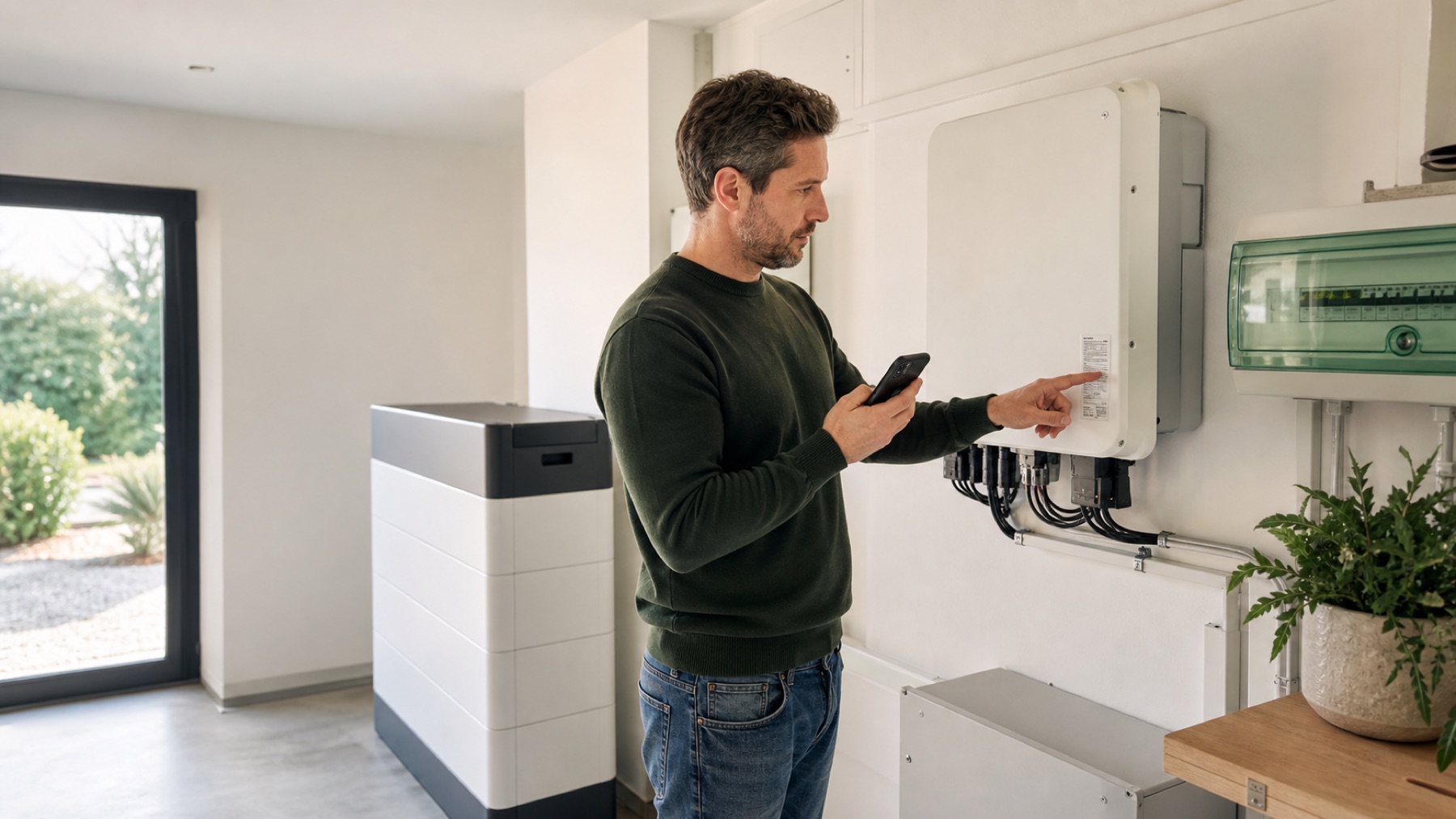
Homeowner checking the model label on an unbranded home solar inverter
Illustrative GridPassport image. Check the label on your own inverter for the exact model.

Model lookup

E3/DC models and connection families

Find the model or family printed on the inverter. These are all E3/DC identifiers in the current GridPassport product catalog.

E3/DC Home Power Plant

Connection listed
Unit or family
  • Hauskraftwerk systems
  • S10 home power plant systems
  • Hager/E3/DC residential storage systems
What GridPassport can use

This connection shares inverter, solar or battery data with GridPassport. It does not add controls to the inverter.

E3/DC E3DC

Controls listed
Unit or family
  • S10 and Hauskraftwerk systems
  • Hager/E3/DC residential storage systems
What GridPassport can use

This connection reads system data and includes controls for an additional supported device setting and 1 more.

This page lists the E3/DC models and connection families currently present in GridPassport. We confirm the exact model and connection in the home before activation.

Home Power Automation

What GridPassport can do with a matched E3/DC connection

Settings vary by family. GridPassport uses only those exposed by the exact connection confirmed for the home.

01

Make decisions from the whole home

Use live inverter data together with solar forecasts, prices, household demand and the needs of other devices.

02

Use the controls available on your model

Depending on the listed family, GridPassport can adjust an additional supported device setting.

03

Keep reserve and device limits

The inverter keeps its own safety logic while GridPassport works only within the settings the confirmed connection allows.

04

Make the devices work together

Time battery decisions alongside heating, cooling and car charging instead of leaving each device on a separate schedule.

Practical setup

What to know before you apply.

Local connection
the inverter's supported local network interface; the E3/DC local network interface
Additional interface
Depends on the model and the gateway already fitted at home
Manufacturer cloud
Not required by the current local connection profiles
Current scope
Live system data and selected settings for an additional supported device setting
Named coverage
4 models or families
Catalog reviewed
2026-07-29 from the current GridPassport product catalog

Your hardware

Your E3/DC already manages power. Give it better timing.

GridPassport uses solar forecasts, electricity prices, household demand and backup needs to time the controls available on your model.

Check my E3/DC model